

 1 / 5
1 / 5
Legálisan kinyomtathatjuk neked
Kereskedelmi célra is kinyomtatható, ha feltüntetjük a tervezőt; a módosított tervet ugyanígy kell továbbadni.
Creative Commons Nevezd meg! – Így add tovább! (CC BY-SA) · A tervező nevét a rendelésednél is feltüntetjük.
Alkatrészek
27 / 27 kijelölveVedd ki, amelyik részre nincs szükséged. Mindegyik ugyanabból az anyagból és színből készül.
A tervező leírása
Eredeti nyelven, a Printables oldaláról.
If you like what I'm doing, please give it a like 👍 consider joining my club or buying me a coffee! 😃👍
Printing settings
All parts print in the default model orientation without supports. Print each part of a given size once.
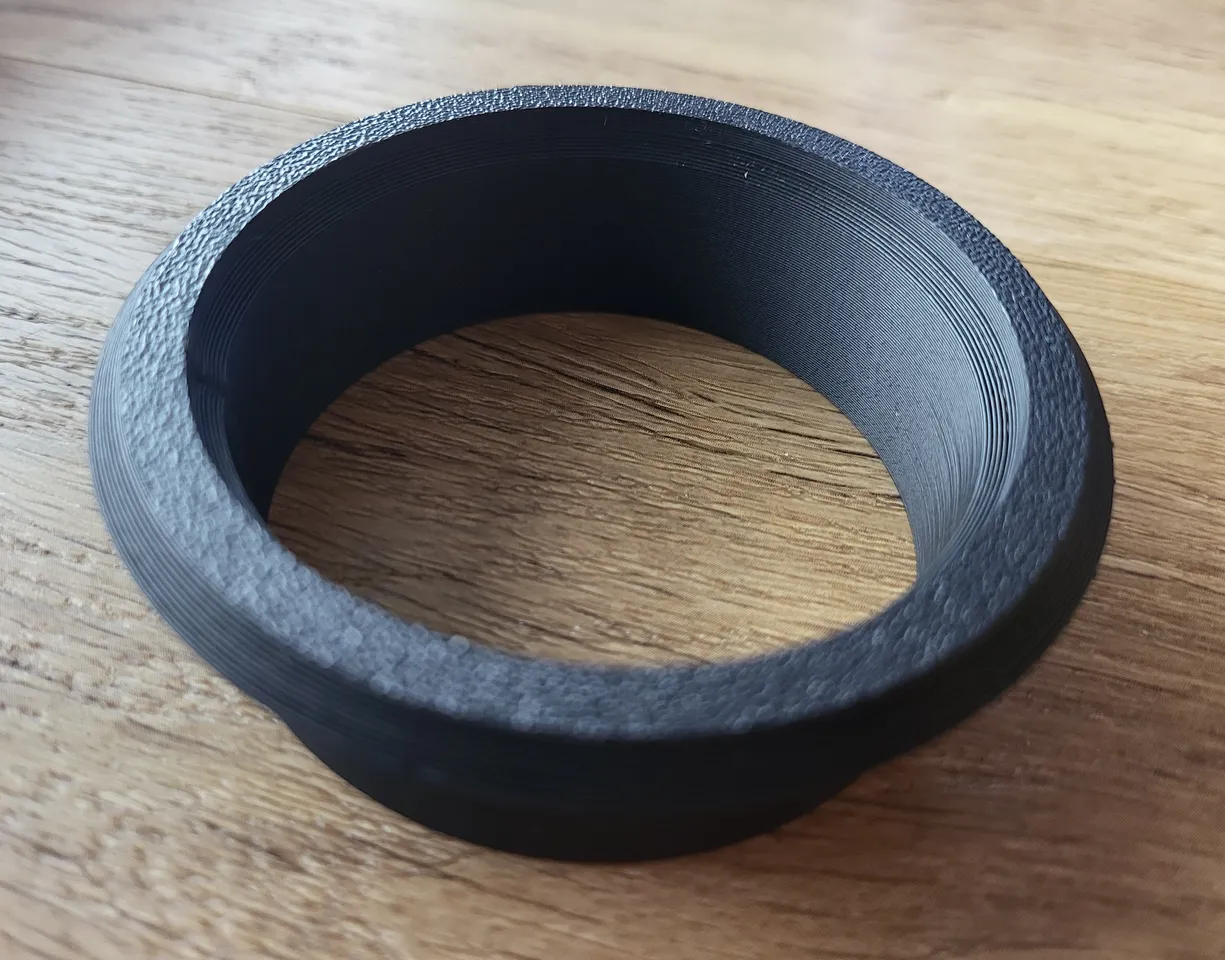
Please note the diameter of the ring is the exact size the ring will be printed. So if you want a bit of a looser fit (or you know your printer runs prints a little bit larger usually), simply scale down all parts slightly in the slicer or change the parameters.
The depth of the part that goes into the hole in all of the pre-made sizes is 20 mm, if you need it to be shorter, you can slice some of the length off in your slicer. If you need it to be longer, have a look at the “Parameters” section.
I recommend a layer height of 0.20 mm, but others should work as well.
Assembly
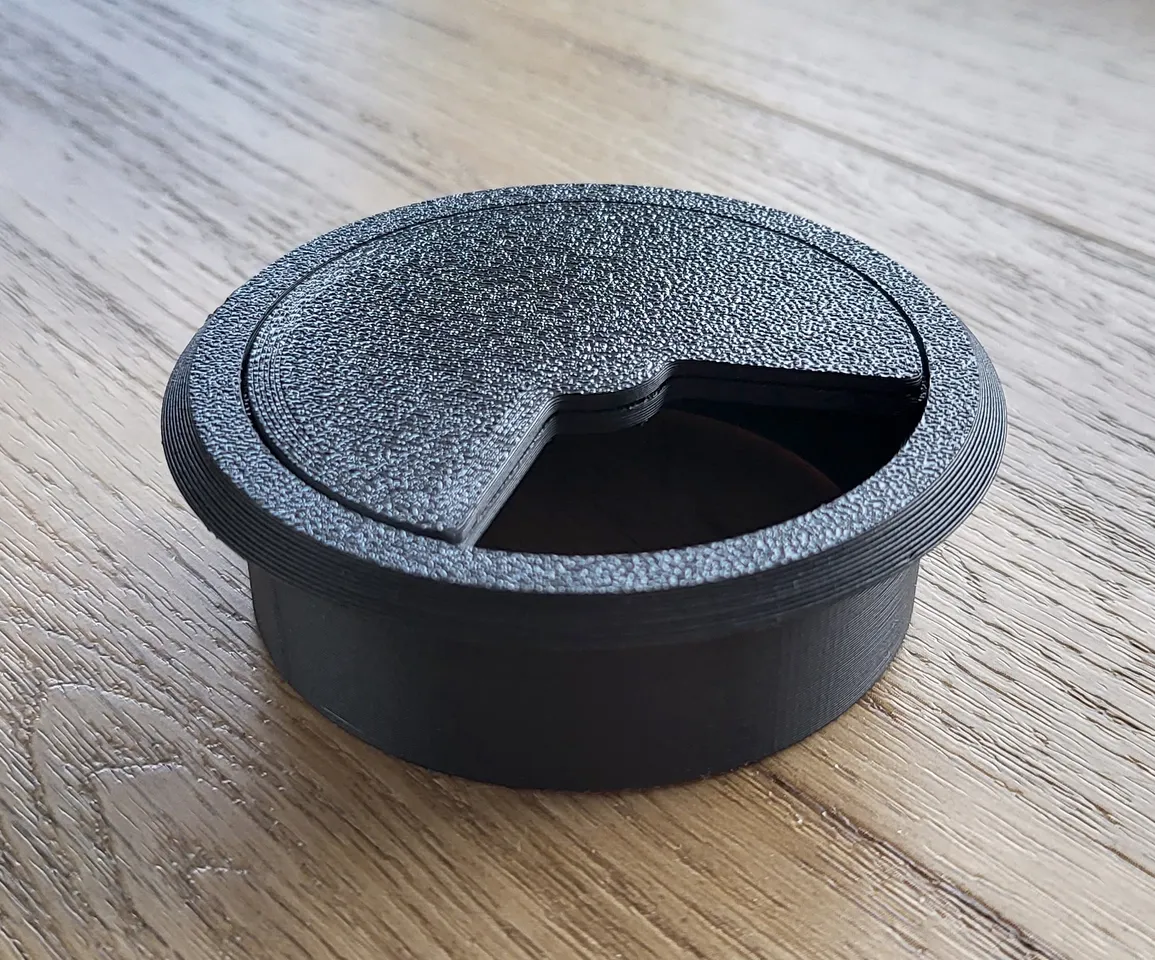
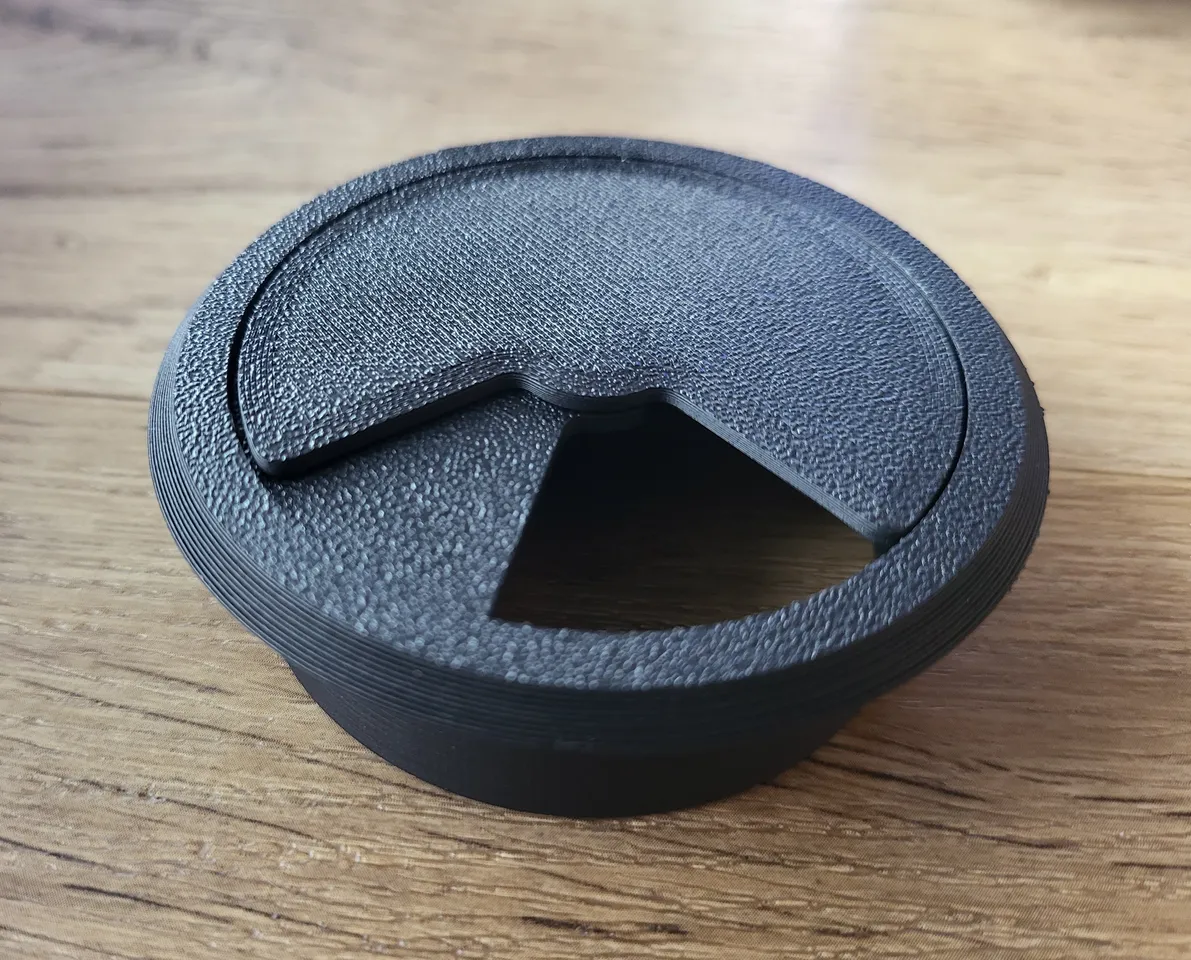
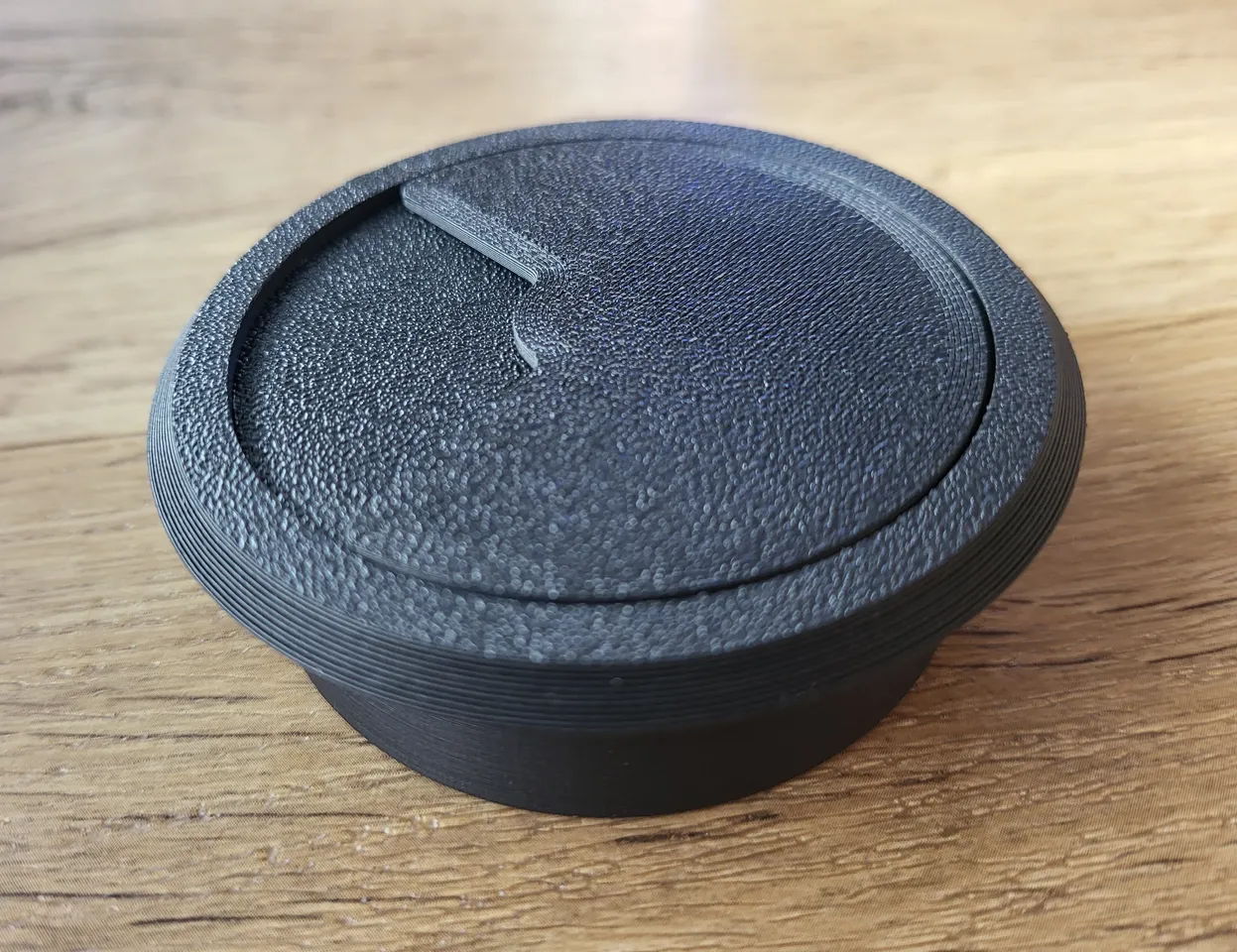
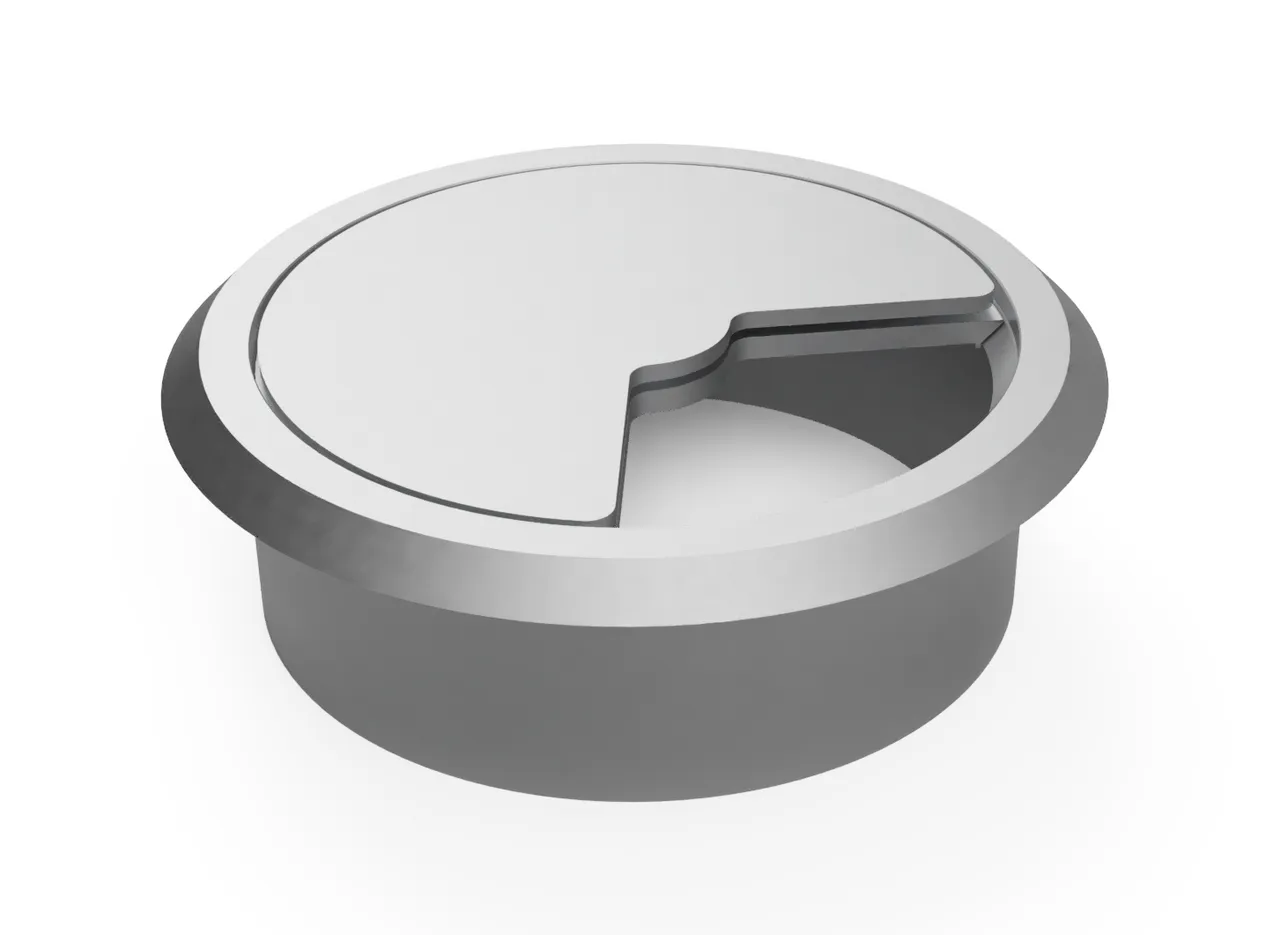
Just snap the two disks together, put the ring into the hole, pass the cables through the ring, and then snap the disks into the ring and twist the top disk to close it and you're done! You can also take out the disks with some force should you need to add/remove cables to make it easier and then snap them back into the ring.
This is how the grommet is meant to be assembled and how it should look from a side-section view:
Parameters
You can modify this design in Fusion 360 (the free version is enough) using parameters to make it fit a variety of different hole diameters and depths. Download the Fusion 360 design file, open it, and then you can change the parameters by clicking on Solid → Modify → Change Parameters.
The only two parameters you will likely need to change are:
• hole_diameter → set it to the diameter of the hole saw / hole you drilled, in mm• If you prefer a tighter fit, set it to the exact diameter the hole has (or a bit larger, if your printer tends to print smaller)
• If you prefer a looser fit, set it 1-2 mm lower than the diameter of the hole
• hole_depth → set it to the depth of the hole you drilled, in mm
The model will adjust automatically to fit. There are more parameters available where most of them are described, in case you need to change other things. Feel free to ask in the comments if you have any questions or want to request sizes you feel are common that I haven't covered yet.
Köszönd meg neki
Hívd meg a tervezőt egy kávéra

Blizzard ingyen osztotta meg ezt a modellt, órákat dolgozott rajta. Ha tetszik, egy kávé árával közvetlenül őt támogathatod – a teljes összeg az övé, a Printmo semmit nem von le.
Mielőtt elmész
Küldd el magadnak
Küldünk egy linket, amivel 7 napig egy kattintással folytathatod – akár a telefonodon is. Ezen az eszközön külön kérés nélkül is megjegyezzük, hol tartasz.
A címedet csak erre az egy levélre használjuk: nem tároljuk, és nem küldünk rá hírlevelet. Adatkezelési tájékoztató