

 1 / 10
Legálisan kinyomtathatjuk neked
Kereskedelmi célra is kinyomtatható, ha feltüntetjük a tervezőt; a módosított tervet ugyanígy kell továbbadni.
Creative Commons Nevezd meg! – Így add tovább! (CC BY-SA) · A tervező nevét a rendelésednél is feltüntetjük.
Alkatrészek
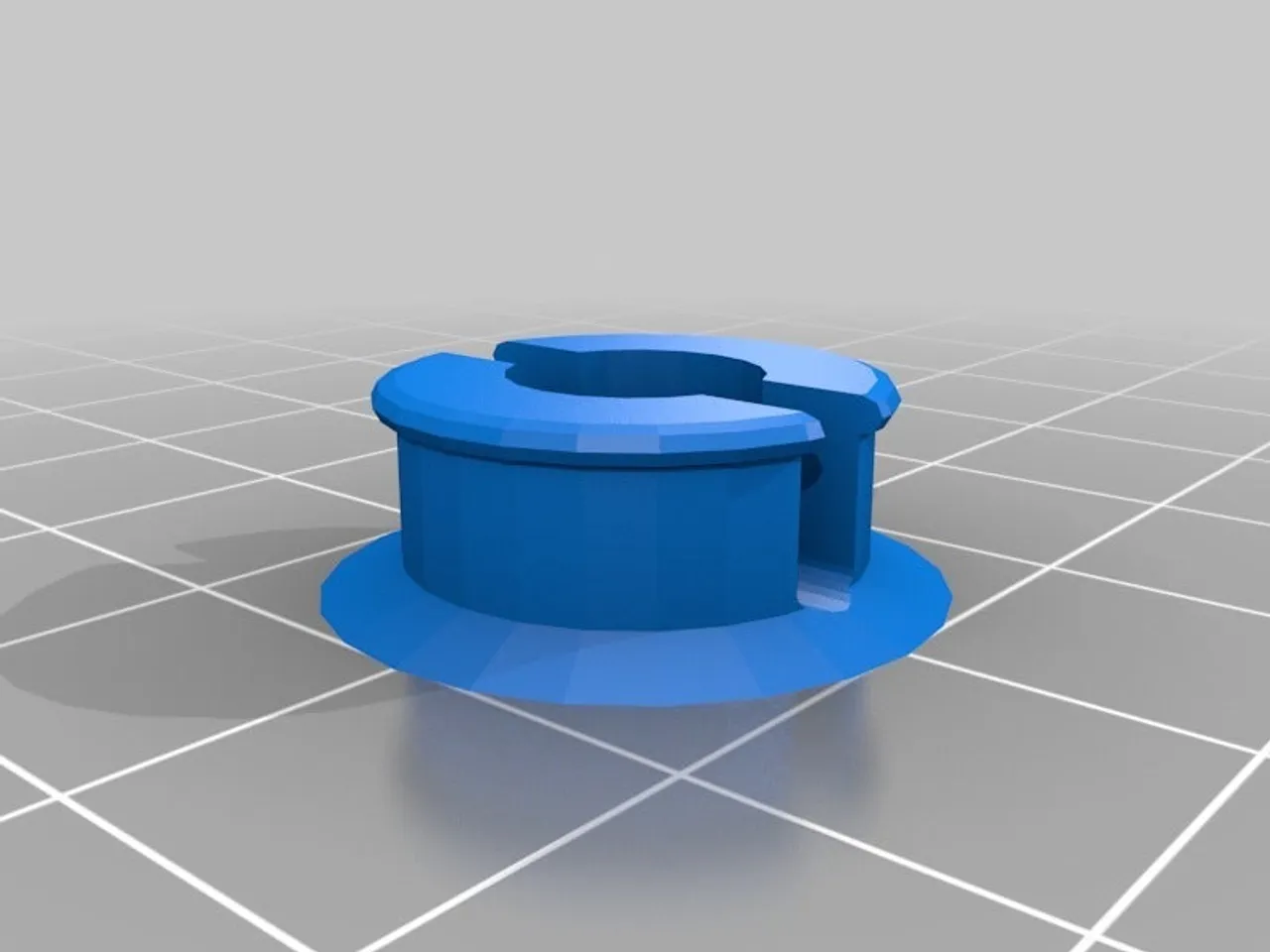
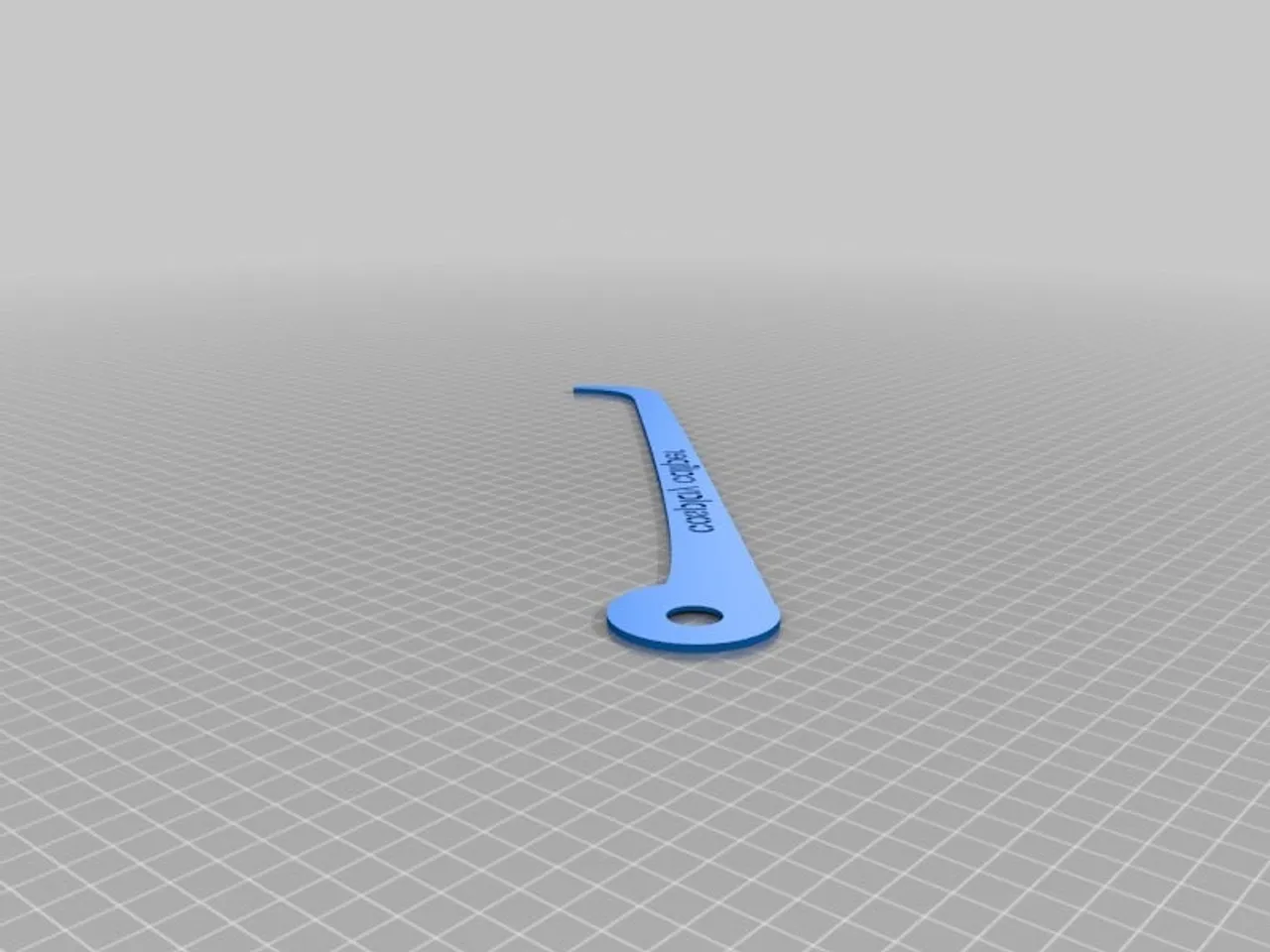
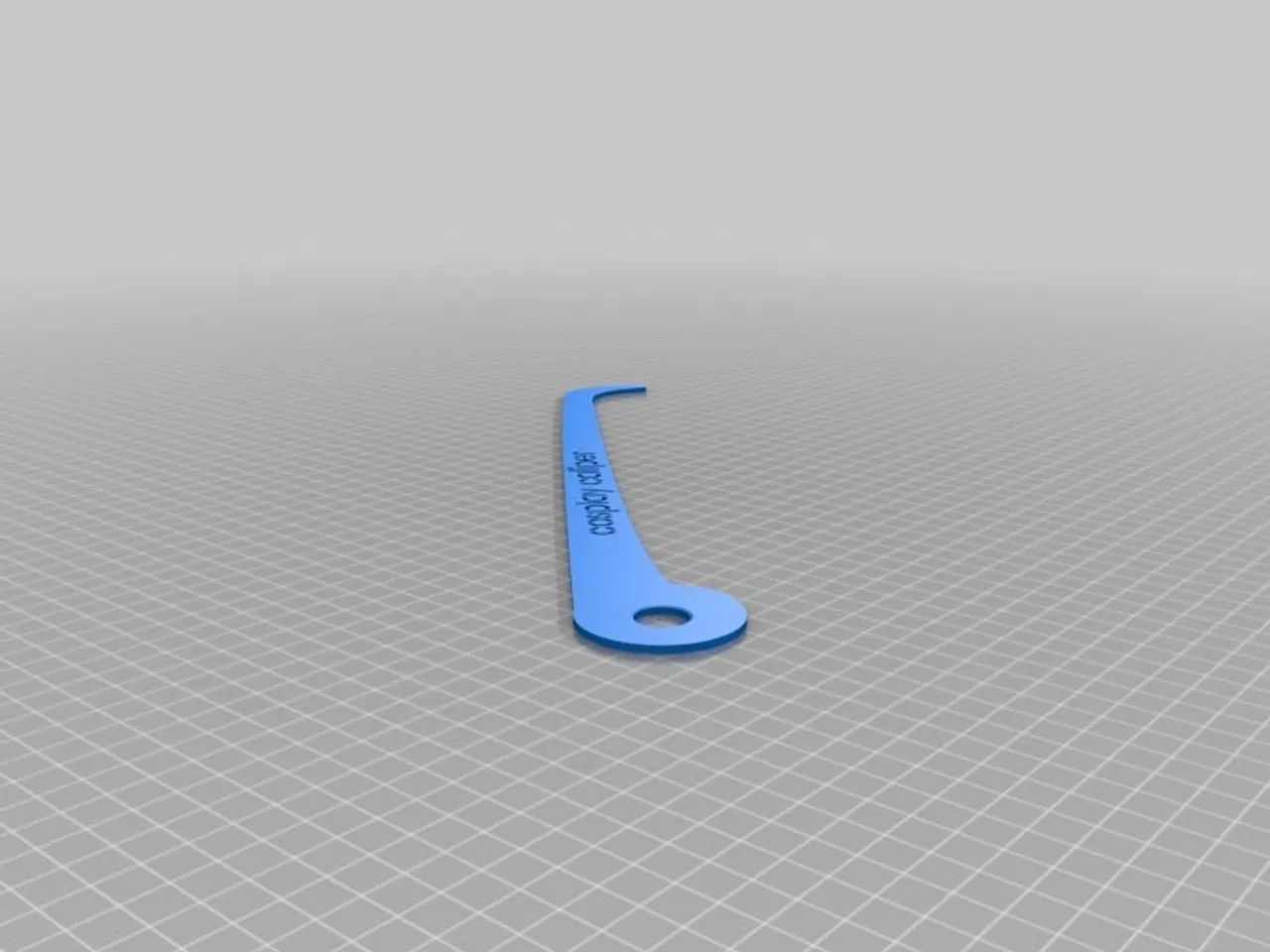
6 / 6 kijelölveVedd ki, amelyik részre nincs szükséged. Mindegyik ugyanabból az anyagból és színből készül.
A tervező leírása
Eredeti nyelven, a Printables oldaláról.
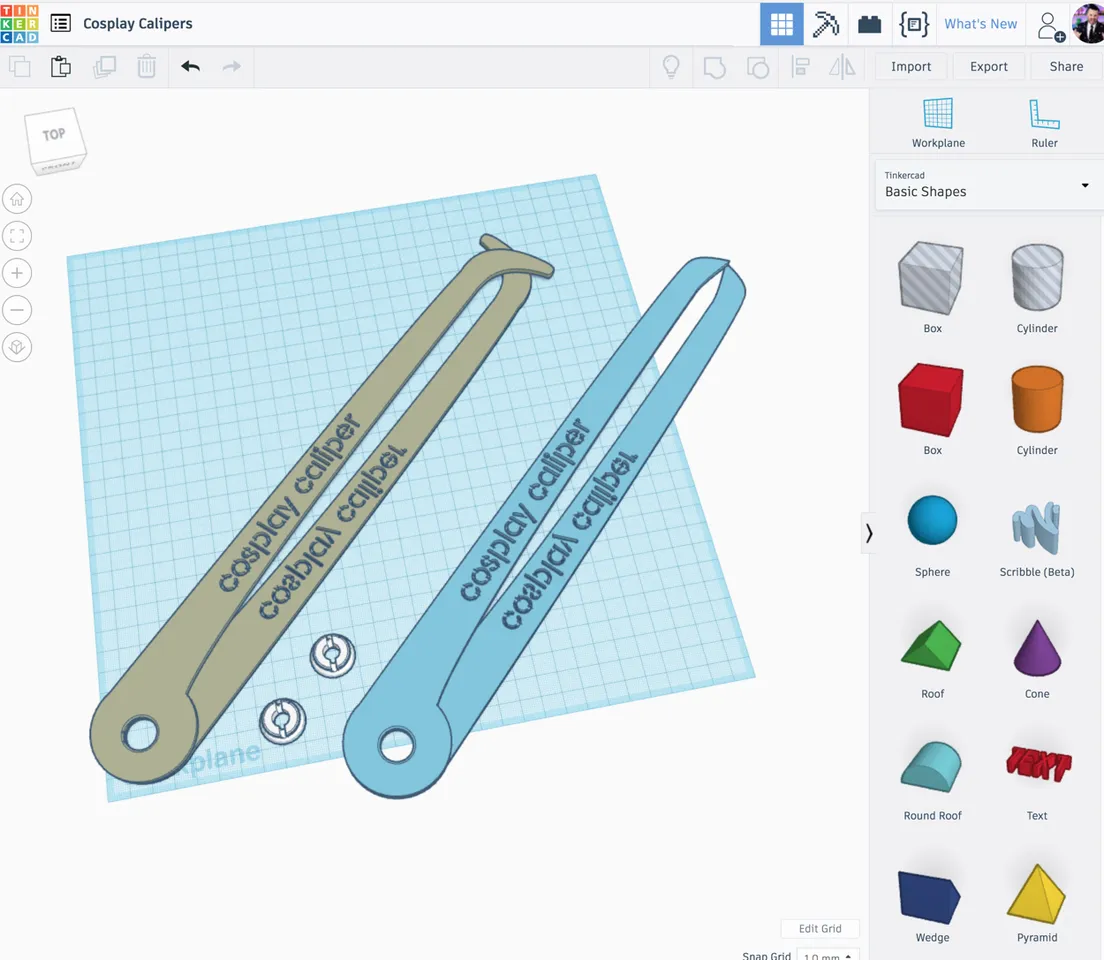
I've also shared the Tinkercad file. Feel free to modify it further and share your tweaks!
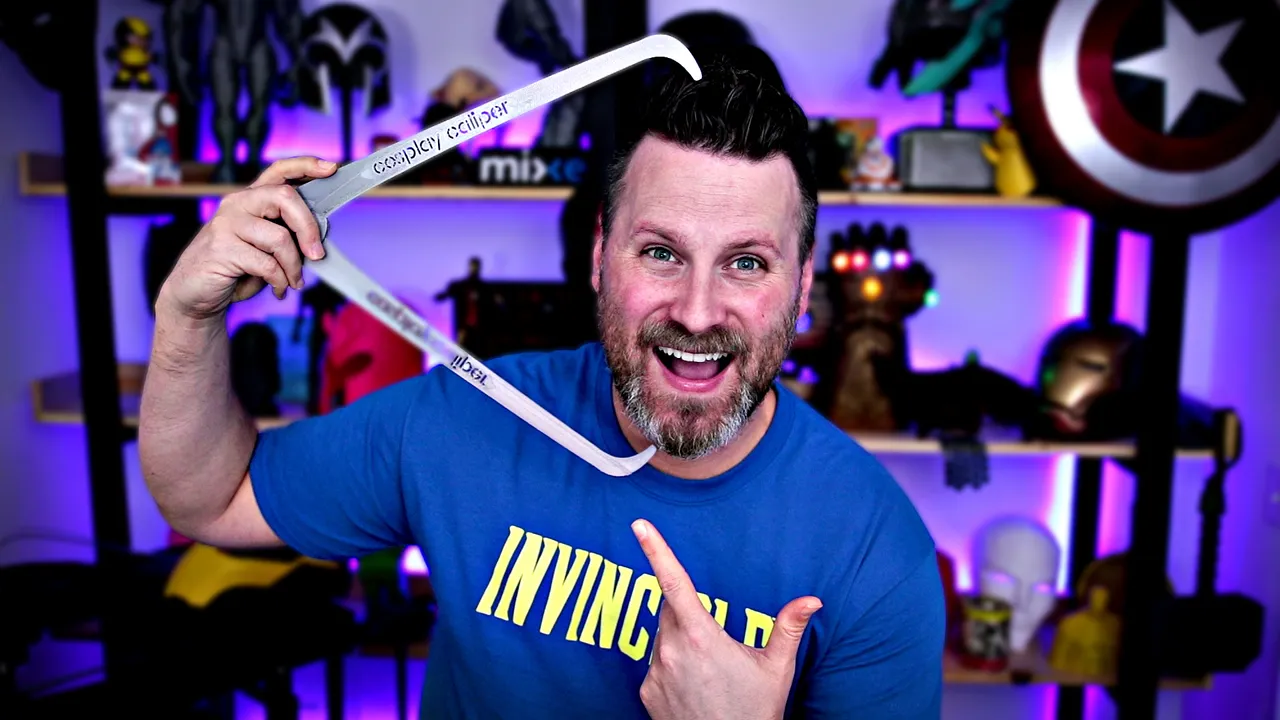
Here is a video explaining the process
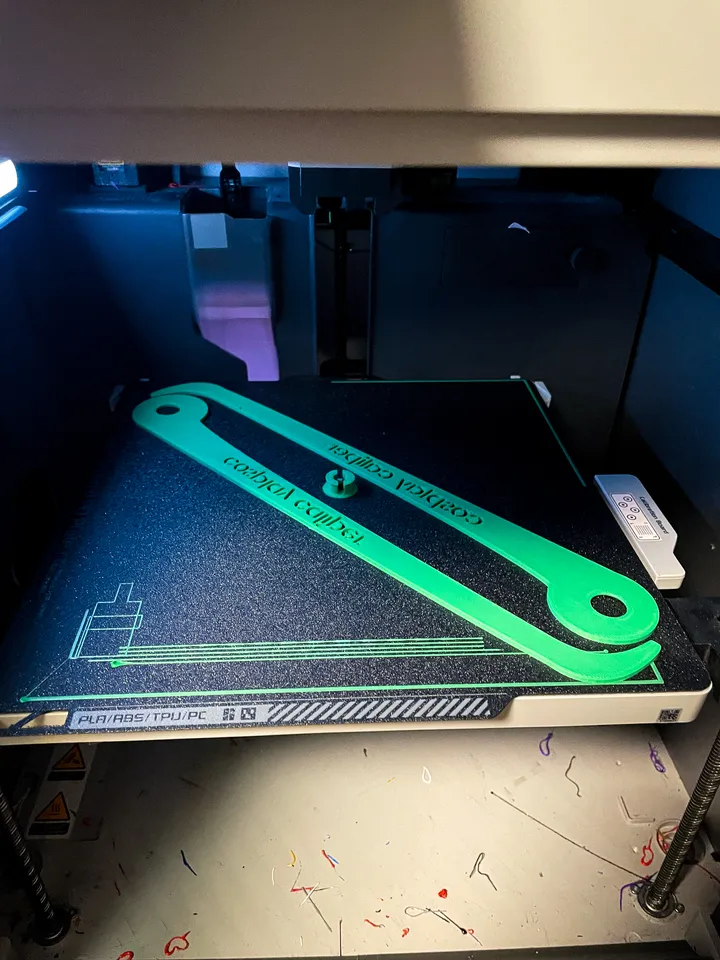
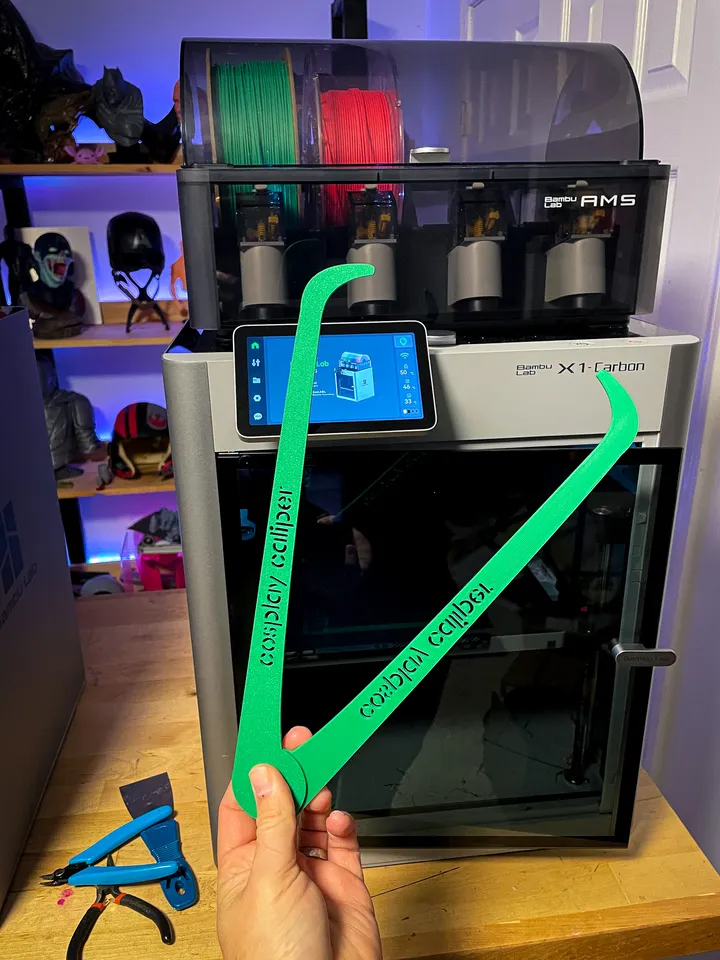
*UPDATE - I added a .3mf file for Bambu Lab Printers - Quick 1 hr print on the X1 or the P1P
This thing was made with Tinkercad. Edit it online https://www.tinkercad.com/things/h387ngVeYoE
Thanks for watching!
Uncle Jessy
Print instructions
Unassociated tags: how to measure, Nikko Industries
Category: Hand Tools Print Settings
Printer Brand: Creality
Printer: CR-10
Rafts: No
Supports: No
Resolution: .2 mm
Infill: 10-20%
Notes:
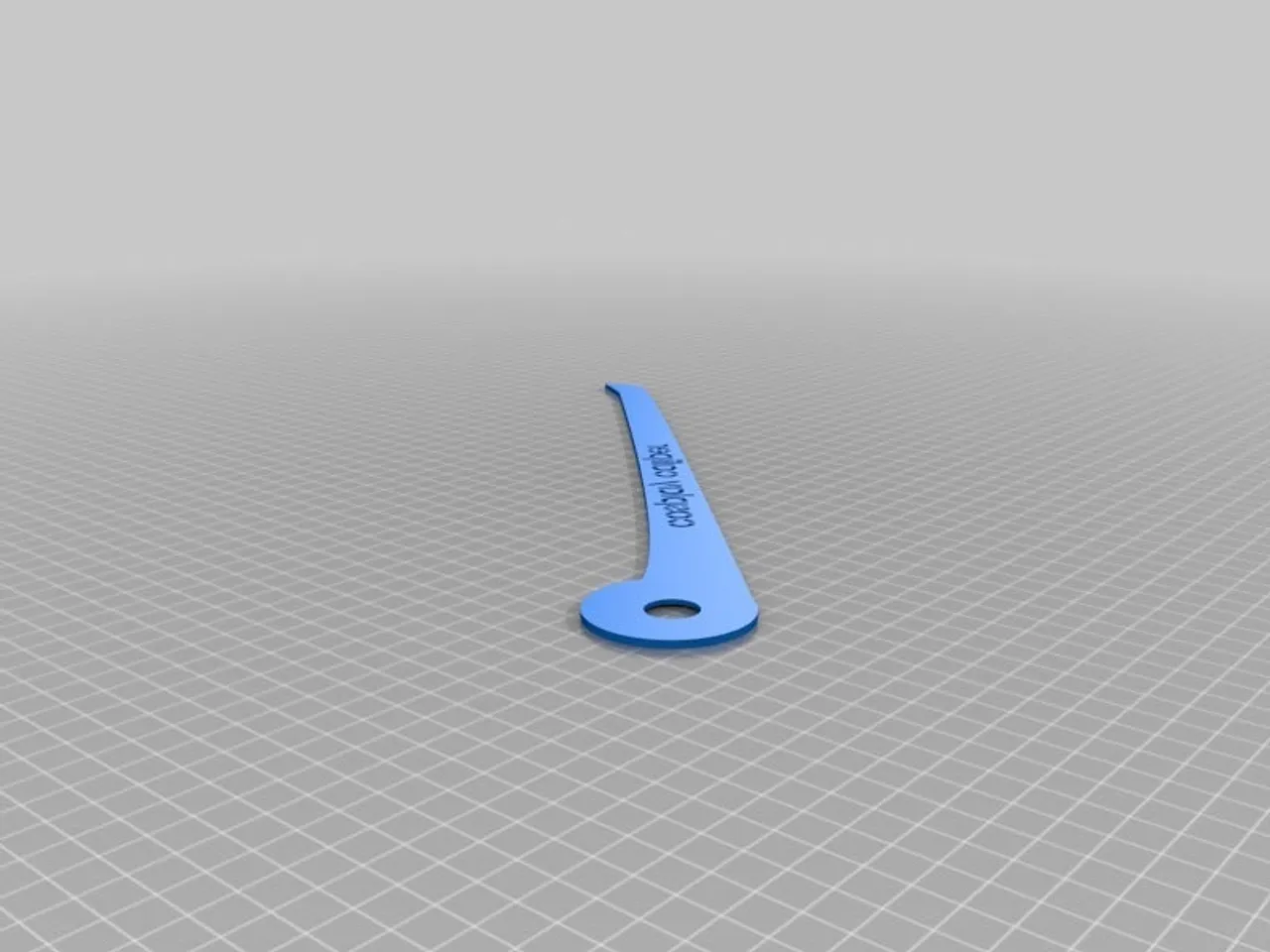
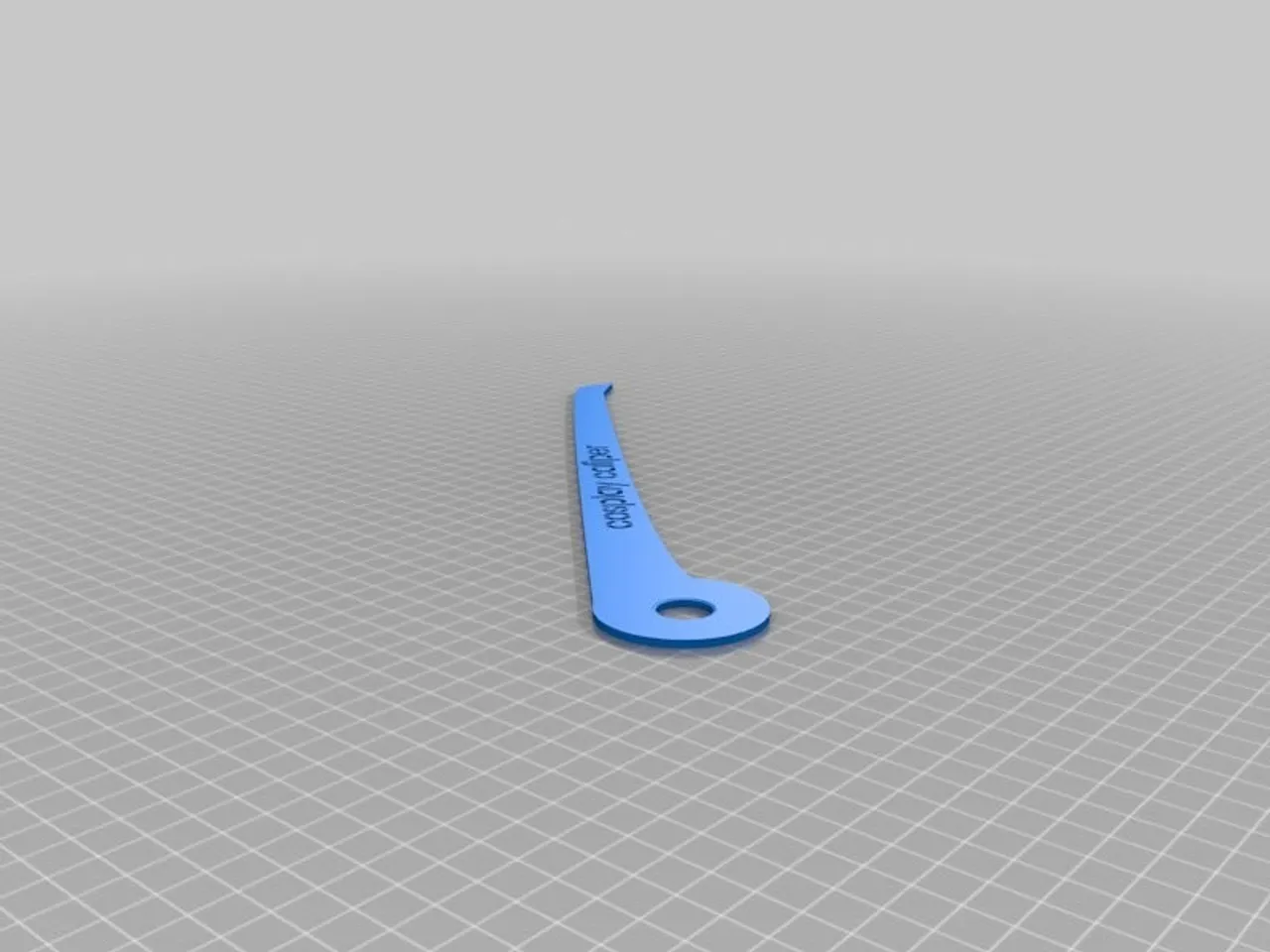
This was designed to be printed on a 300x300 build volume printer, however, it can be scaled to any print bed size.
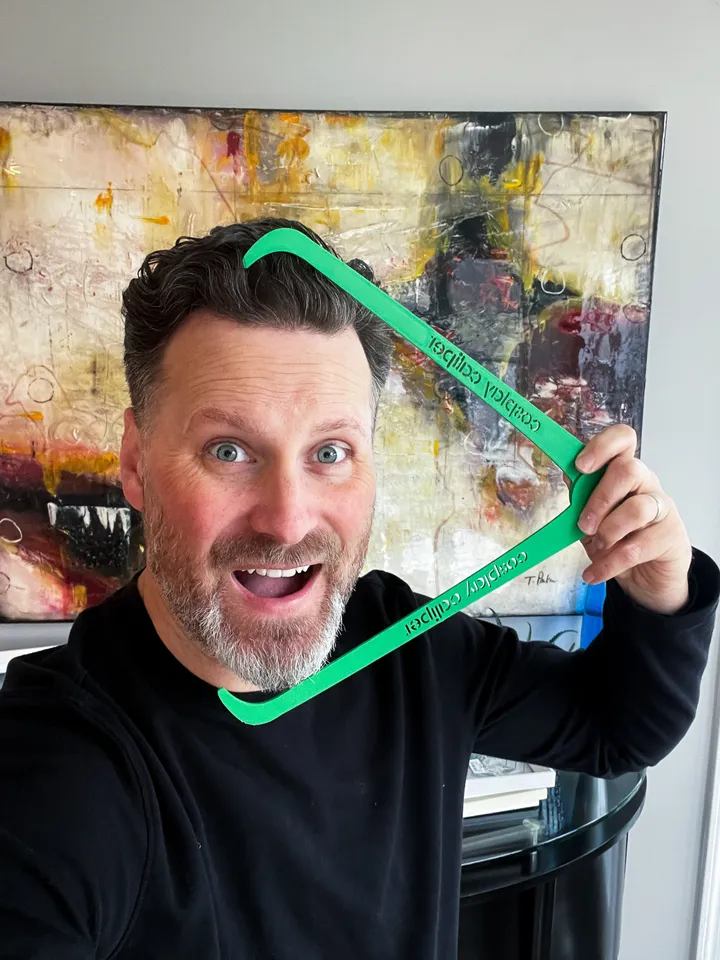
After printing snap the parts together and then take your measurements.
How I Designed This
Workflow
I initially designed the outline in Adobe Illustrator > Exported to SVG > Edited in Fusion 360 > Exported to STL > opened the file in Tinkercad and further modified the file for printing.
Köszönd meg neki
Hívd meg a tervezőt egy kávéra
Uncle Jessy ingyen osztotta meg ezt a modellt, órákat dolgozott rajta. Ha tetszik, egy kávé árával közvetlenül őt támogathatod – a teljes összeg az övé, a Printmo semmit nem von le.
Mielőtt elmész
Küldd el magadnak
Küldünk egy linket, amivel 7 napig egy kattintással folytathatod – akár a telefonodon is. Ezen az eszközön külön kérés nélkül is megjegyezzük, hol tartasz.
A címedet csak erre az egy levélre használjuk: nem tároljuk, és nem küldünk rá hírlevelet. Adatkezelési tájékoztató